

Remote workers are ditching sedentary desks for walking pads, those compact treadmills designed to slide under your workstation. But amid the hype, reports of lower back pain are spiking, with users complaining of aches after hours of “productive pacing.” This guide breaks down how to use a walking pad safely, blending expert ergonomics with real-user fixes to keep your spine intact while racking up steps.
Pick a Walking Pad Built for Endurance

Not all walking pads are created equal. Skip the bargain-bin models under $200—they often wobble or lack shock absorption, jarring your lower back with every stride. Opt for ones with cushioned decks, like the Goplus 2-in-1 or WalkingPad A1 Pro, which feature adjustable inclines up to 5% to mimic outdoor walking without extra spinal stress. Physical therapists recommend checking for a belt speed range of 0.5 to 3.8 mph and a sturdy frame supporting at least 220 pounds. Test stability by pressing down firmly; any shake means potential back strain down the line.
Ergonomic Desk Setup Is Non-Negotiable
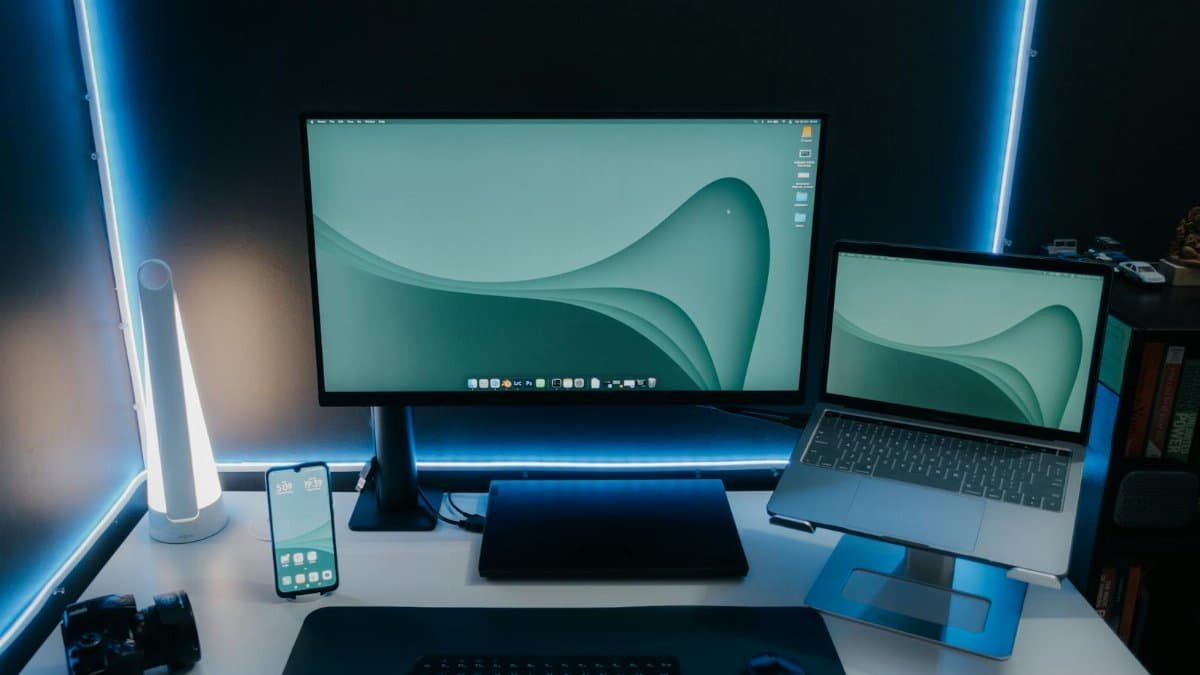
Your walking pad thrives under a raised desk. Position the treadmill so your elbows form a 90-degree angle when typing, with monitors at eye level—about 20-30 inches away. Use a standing desk converter if needed, ensuring the walking pad’s surface aligns with your natural hip height. A pro tip from occupational therapist Dr. Emily Ruiz: Clamp your keyboard tray low enough that your wrists stay neutral, avoiding the forward hunch that pinches lumbar discs. Cable management keeps cords from tripping hazards, too.
Posture Hacks to Shield Your Spine

Slouchers beware: Walking pads amplify poor posture. Keep shoulders relaxed, core engaged, and gaze forward—imagine a string pulling your head up. Feet should land mid-foot, not heel-striking, to reduce impact on the L4-L5 vertebrae. Chiropractor Mark Hensley advises a “power posture” mirror check every 30 minutes: Ears over shoulders, hips over ankles. For extra support, slip on a lumbar roll behind your lower back while seated breaks.
Ramp Up Speed and Time Gradually

Jumping into 10,000 steps on day one? Recipe for disaster. Start at 1 mph for 15 minutes, adding 5 minutes weekly. Alternate speeds—slow for calls, brisker for emails—to prevent repetitive strain. A study in the Journal of Occupational Health found gradual integration cuts back pain risk by 40%. Listen to your body; if hamstrings tighten, dial back.
Strengthen Your Core for Long-Term Protection

Walking pads don’t build back resilience alone. Pair sessions with planks (hold 20-30 seconds, three sets) and bird-dogs to fortify the erector spinae muscles. Pilates instructor Sarah Kline suggests dead bugs: Lie on your back, alternate extending arm and opposite leg slowly. Do these three times weekly, 10 reps each side. Strong glutes via bridges also offload spinal pressure—squeeze for 5 seconds per rep.
Footwear That Won’t Betray Your Back

Barefoot or flip-flops? Big no. Cushioned sneakers with arch support, like Brooks Ghost or Hoka Bondi, absorb shock better than stiff shoes. Podiatrist Dr. Lena Torres warns against high heels or minimalist flats—they shift weight forward, compressing the lumbar curve. Rotate pairs weekly to avoid uneven wear, and replace every 300-500 miles.
Hydrate and Fuel to Dodge Fatigue

Dehydration stiffens spinal ligaments, inviting pain. Aim for half your body weight in ounces of water daily, plus electrolytes during long walks. Snack on anti-inflammatory foods: Nuts, berries, salmon. Nutritionist Alex Rivera notes low blood sugar causes slouching; a banana mid-session stabilizes posture.
Spot Red Flags Early

Sharp pain radiating to legs? Numbness? Stop immediately—could signal sciatica or disc issues. Dull aches post-use warrant rest and ice (20 minutes on, 20 off). Track symptoms in a journal: Duration, triggers. If persistent beyond a week, see a doc. The American Chiropractic Association reports early intervention prevents 70% of chronic cases.
Tech Tweaks for Seamless Integration

App-controlled walking pads with step counters sync to fitness trackers, gamifying safety. Set vibration alerts for posture breaks every 45 minutes. Anti-fatigue mats under the pad add bounce. Users on Reddit’s r/WalkingPad swear by dual monitors—one for work, one for form videos.
Real Stories: Who Got It Right (and Wrong)

Tech exec Jamie Torres logged 5 miles daily on his pad but ignored posture, landing in PT after three months. Contrast with accountant Lisa Chen, who followed these tips: Zero pain after a year, 20 pounds shed. “It’s about smart habits, not endless miles,” she says.
By weaving these strategies into your routine, a walking pad becomes a back-saving powerhouse, not a pain machine. Desk warriors, step confidently.By Chris F. Weber